De Beers
Jan 2021 - Jul 2026
Lead Frontend developer
I worked as the Lead Frontend Developer on a huge variety of really enjoyable tasks. I was with De Beers for nearly 6 years and enjoyed every single project and task. I had some great achievements here, including: Optimising the rendered media (Videos + Images) by 50%, introducing new visual documentation for new developers and for all teams to have visibility of the whole code eco-system, introducing GSAP animation to pages, creating a new local environment, re-writing the whole frontend and Amplience codebase for easier readability and optimisation. And of course exciting new campaigns every month, which I call the bread and butter of my work.
Visit website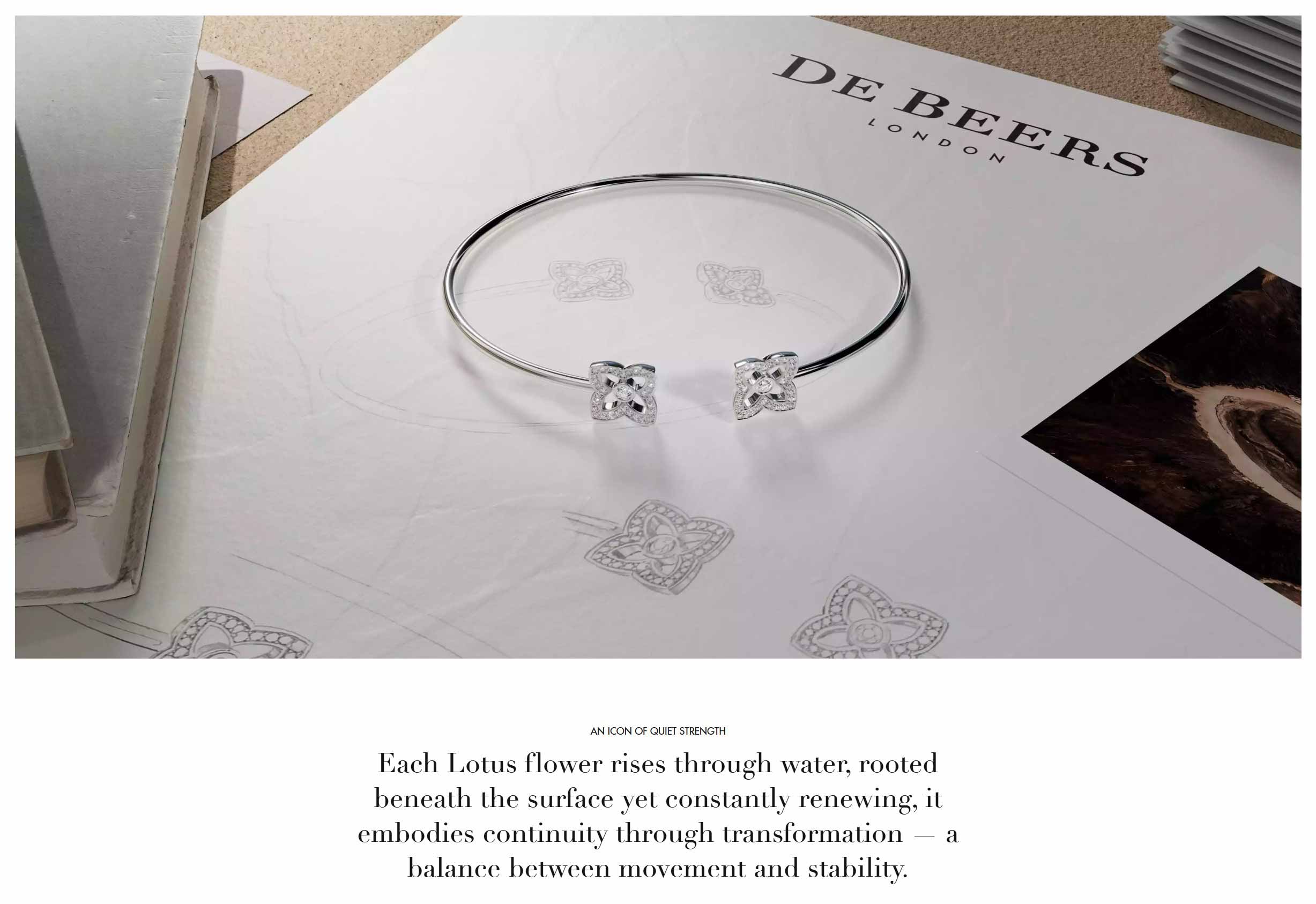

Key Responsibilities
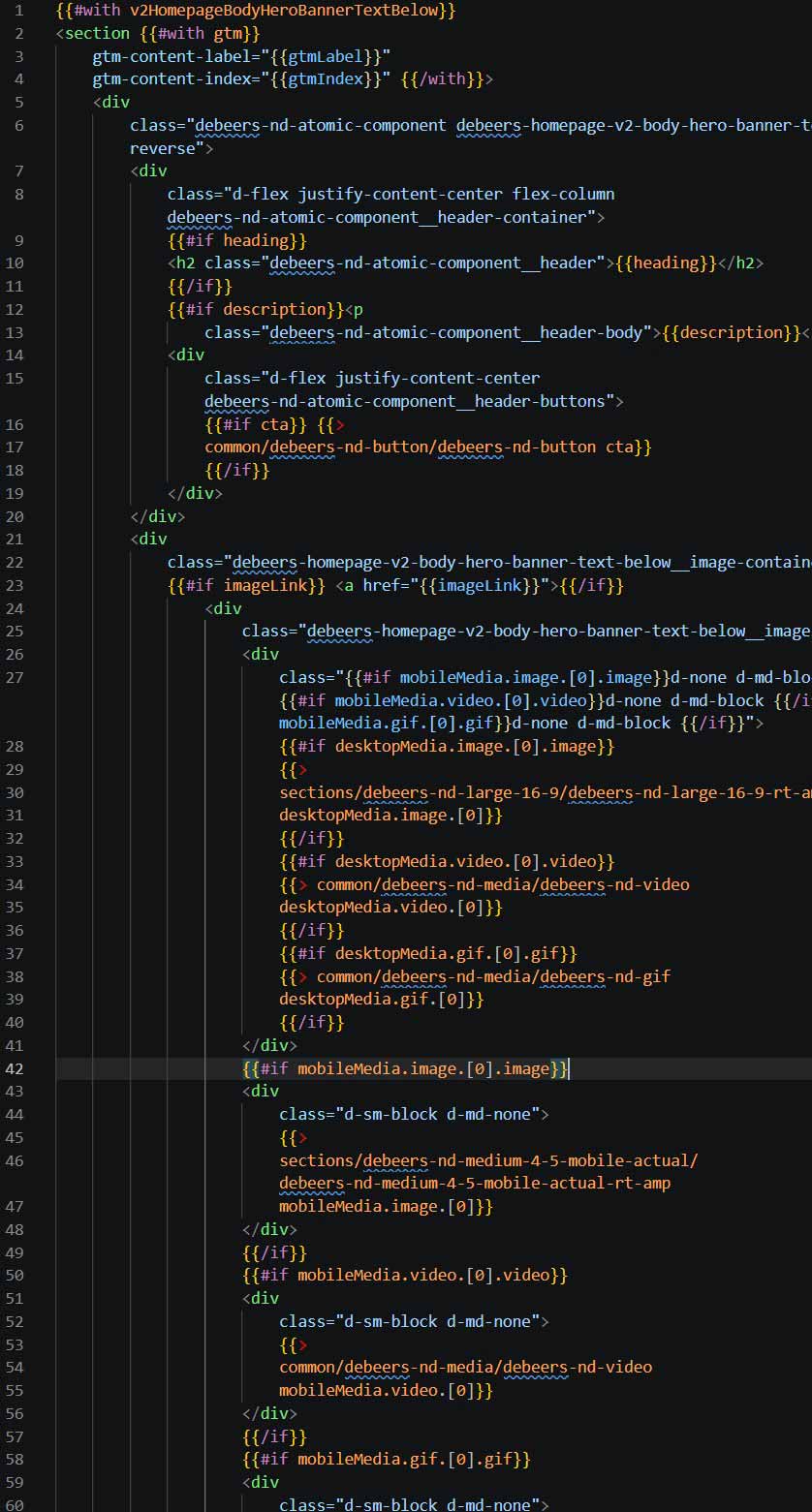
Global re-write of existing Rendering Templates, Transformation Templates, Handlebars Templates and JSON Schema Data (to optimize the Amplience codebase).
Initially overhauled and optimized the main dependencies (CSS/ JS), then created a new local environment to run and transpile new and old components locally (Gulp 4, Webpack 4, Handlebars, Babel and Browsersync).
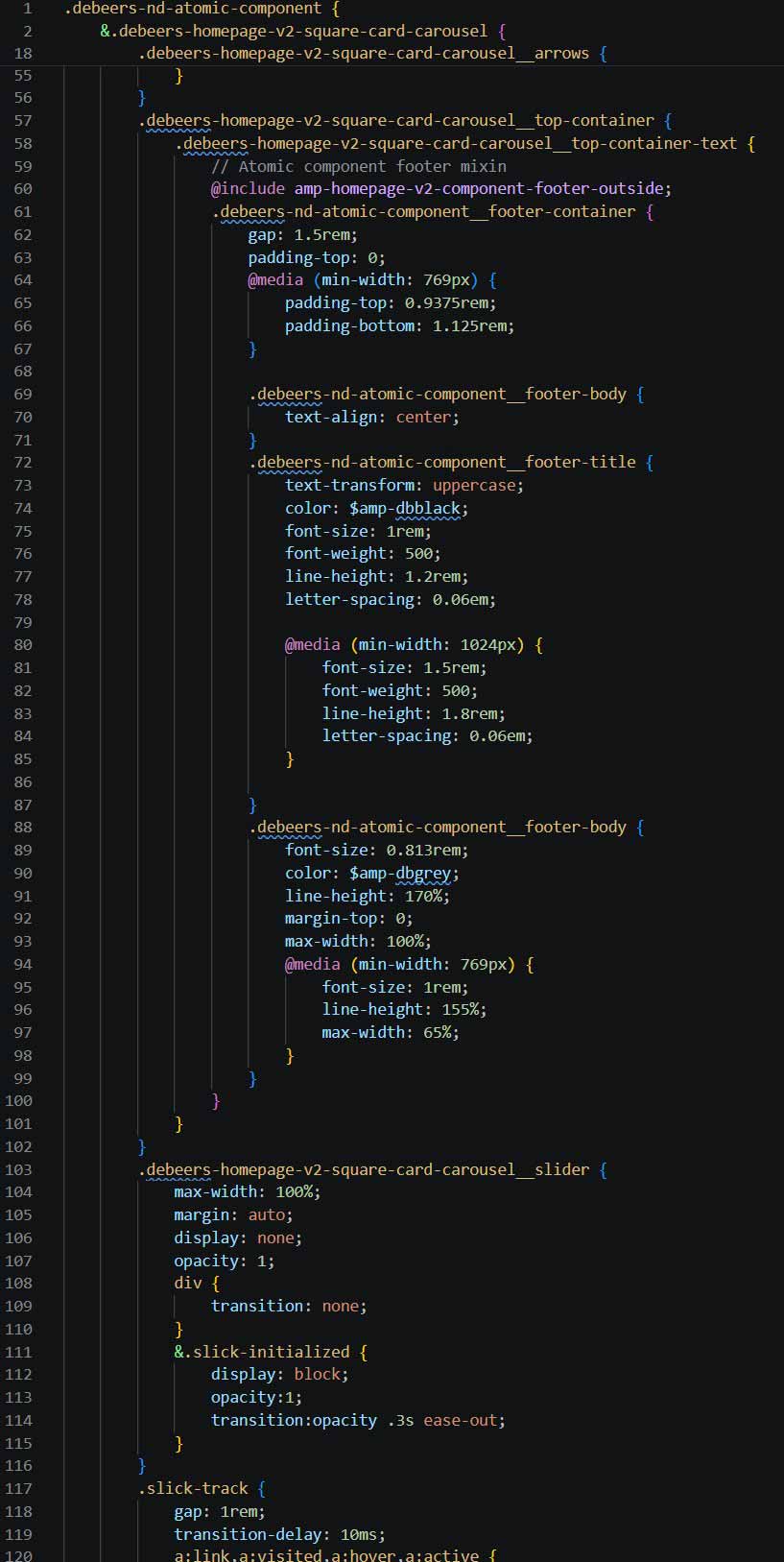
Also re-wrote the SCSS codebase using the BEM naming convention and optimized the local SCSS repository to use variables, partials and mixins. This improved code recognition, prevented code duplication and optimized the rendered code.
Gradually implemented atomic components to be re-usable across the site for optimization and ease-of-use for the content team.
GSAP implementation to animate specific campaign page components.
One of the main, regular tasks was to create campaign components based on provided designs, then integrate those new components into the Amplience environment.
Accessibility audits and reviewing Accessible360 reports. Implementing accessibility changes throughout.
Regular deep-level audits and reports of designs provided to ensure branding consistency. As there weren't any branding guidelines or style guides in place I was responsible for aligning with the design team to clarify details of campaign designs.
Regular meetings with various teams: in-house design team, third-party design agency, Amplience developers, Commerce developers (Salesforce), QA, business analysts, client and business. The main areas of focus were: clarifications, estimates, expectations, re-designs and workloads
Overseeing the new Amplience frontent team: onboarding, task delegation, peer programming, problem solving and meetings
Proudest of
I implemented a standardized file naming convention for easier file navigation and to help with onboarding new developers.
I introduced and implemented Amplience’s new Smart Images feature, to fully optimize global image quality vs size. Adding to this I then created a new set of media breakpoints and conditions, using a new library of Transformation Templates and Rendering Templates, which were highly optimized. Also introduced a new image format AVIF. It would load in this order: AVIF/ WebP/ JPEG. Images saw an average decrease in file size between 40% to 60%, without losing quality. As an example, a hero banner that loaded at 980KB was reduced to 340KB. Hugely speeding up page load times.
For videos, I created a new fallback method, loading in a new order: VP9/ webM/ MP4. Most videos page load file size was reduced by 50% or more. This was especially useful for mobile/ tablet devices.
Re-writing the whole frontend codebase using BEM, a new file naming convention, optimized variables/ mixins and partials and removed any redundant code. It required painstaking attention to detail as any errors would break existing components.
Created new visual documentation and comprehensive Amplience step-by-step user guide for the content and development teams to easily reference components and their requirements for content build or future component builds.
Codebase Re-write
The Challenge
When I initially joined De Beers, the CSS and JS codebase was rather bloated, disjointed and tricky to reference throughout. This was simply a legacy of different developers working on these files. Both were simple static files which were directly pasted into Amplience Content Hub. Version control was only active within the Amplience Content Hub itself, nothing locally.
The goal was to set up a local runtime environment that would transpile everything. As a bonus challenge, I had to include Handlebars Templates, Point of Interest files and JSON Schemas. So components should render locally as they would remotely.
The Solution
As with all tasks and projects, I spent some time gathering information. I always find it vital to have good planning and research. In the long-run it always saves time and effort and is nearly as important as doing the actual work.
As this was at least three to four sprints worth of work, and there was the very likely risk of other work overlapping, I decided to go agile and split the project into manageable chunks. The below were the requirements:
Phase 1
- Set up local environment must work on Windows and macOS (I chose Gulp, Webpack, Babel and Browsersync, as these had much more support than others)
- Must have version control, using GIT via Bitbucket within Azure Devops DeBeers server
- SCSS to CSS transpiler
Phase 2
- Output CSS and JS must be minified
- Must have support for Handlebars file rendering
- Must have support for JSON file rendering feeding the data to the Handlebars files
Phase 3
- Migrate flat CSS and JS code into local environment
- Split CSS code into partials based on each component used
- Split JS code into manageable chunks
- Rename all properties into BEM naming convention
Phase 4
- For the CSS introduce variables and mixins to streamline and globalize the code
- Introduce new media conditions to optimize image loading (Including options for high resolution screens vs low resolution)
- Go through the whole new codebase and pick out any re-occurring global values; convert these to variables
This was a particularly enjoyable project for me. Painstaking detail throughout and testing in case any slight change broke anything. The biggest challenge was when sprints overlapped, so I'd have to branch off with current code and add any changes and merge any new additions after each campaign went live.
Media Optimization
The Challenge
After re-writing the whole codebase, my next major task was to optimise all media on the site. We were loading far too many images and videos over the limit of 1MB. Some videos even rendered at 5MB. Clearly, this was slowing down the page load speed and affecting the user's experience. And being a luxury goods retailer, the reliance was heavy on good quality images and videos to show off the products.
The Solution (Images)
My first focus was on images, as there were obviously a lot more product images than videos. After some research I discovered a new feature in Amplience called 'Smart Images' (new at the time). It's an addon that introduced a new, highly compressed image format (AVIF) which reduced rendered image file sizes by 20% to 25%. But most importantly, it also supported controlling image quality and fallback image formats on-the-fly. By adding this parameter to the Rendering Templates, it reduced the file size loaded by another 30%. And it also gave much more granular control of what quality image to load for each image format (as seen in the below parameter example). Very clever stuff from Amplience.
Example of the parameter added to the Rendering Templates/ Media Conditions:
fmt=auto&fmt.avif.qlt=60&fmt.webp.qlt=60&fmt.jp2.qlt=34&fmt.jpeg.qlt=56&$db-nd3-2-1-600-poi$'.
As an example of how successful this image optimisation was; a retina image for 4k screens on desktop size was originally loading at 1MB. After the new additions, it was loading at 340KB. I was happy with this, but being a bit of a perfectionist, I still wanted it lower. Ultimately, I got the hero banner images down to around 280KB, without losing any quality. Happy days.
The Solution (Videos)
Similar situation to the images. We were loading very bloated videos using older containers, codecs and the wrong loading order for the fallback method. So it was always loading MP4 formats first (which has less compression than others). But the worst culprit was loading desktop videos for mobile devices. These ranged from 2MB to the heaviest at 6MB.
My first task was to introduce a newer codec, VP9 (Inside WebM containers). This itself compressed the rendered videos by 20% to 25%. Then I re-wrote the whole fallback method for videos, which included VP9 as the primary video codec to use. This was the new loading order: VP9/ WebM/ MP4. And most importantly, I added queries for three different sizes: Mobile/ Tablet/ Desktop. Finally, mobile sized videos were loading for mobile devices only. Of course, Tablet and Desktop also had their own video size now.
Ultimately, the 6MB videos were now loading at around 2.98MB, which was a huge improvement. I was hugely happy with this, but still wanted it reduced by more. So I communicated to the marketing team and business if we could limit video running time to around 10 seconds at the most (rather than some video being 2 minutes long). A compromise was made for a 20 seconds limit, which again optimised the sizes and page load speed.
GSAP Integration
The Challenge
The design team and business wanted to introduce more complex animation to certain campaigns. This was to high-light specific new products for release.
The Solution
After some research, I found the ideal long-term solution was to use GSAP. Initially, I did investigate using vanilla CSS and JS for these animations. But it would have taken too long from development to testing. The campaign only had two sprints, with a very tight deadline for release. After adding the GSAP dependency and triggering via the JS, the main challenge was limiting it to specific pages, so as not to overload the page load speeds for all pages. This was done carefully with page specific dependencies. Another challenge was bug fixing for smaller devices. GSAP itself is a pretty solid and responsive dependency, but when added to another codebase, it can have some quirks.
Design Audits
One of my more regular tasks for campaigns was to audit the designs for the development work. During the regular design handover meetings, my task was to help to point out any global inconsistencies in styling or accessibility (spacing, font weights, font sizes, animation queries, image aspect ratios, colour contrast and usability).
Once the final designs were handed over, my task would be to audit every detail and create a detailed report on time-frames. For each component and page-level area, the audit and report included:
- Any more design changes needed
- What variants are needed for the content team (i.e. Option to have left aligned text vs. centre aligned text vs. right aligned text). This made building the dynamic content component build smoother and less likely to need re-work
- Which image aspect ratio and size was re-usable using a global rendering templates
- Time-frames/ Estimates. Sometimes, if the development and QA effort was too much vs the value of the component itself; business and the design team would simplify it
- Naming the component, naming all the dynamic dependencies for each component (JSON Schema, new Rendering Template, new POIs)
- Tagging any components that share visual similarities to existing component in the DeBeers library
To simplify, and make the report more readable in Figma and help the whole product team (Business, Design, QA, Marketing, Salesforce, Amplience), I used colour coded blocks. Using simple colours helped map out the components and understand their relationship to each other and within the pages.
The audit and report themselves sometimes took a few days to complete (Especially when there were multiple pages with potentially 20 different components on each page). But ultimately saved time for all the product team in the long-run.
Campaigns and Page Restyles
What I term as my bread and butter projects.
Apart from seasonal campaigns, there were regular monthly product campaigns that needed to be active on production before fixed dates. Also, all the main pages were regularly re-styled. This was sometimes challenging, as sprints overlapped. But, I love to be busy so it was always great working on these.
Most campaigns were two three-week sprints. Depending on how many components needed building. They were repeated every year with new content and new components. In-between campaign sprints, I worked on re-styling the main pages and introducing new component content. These were the campaigns and re-styles I worked on:
- Lotus by DeBeers
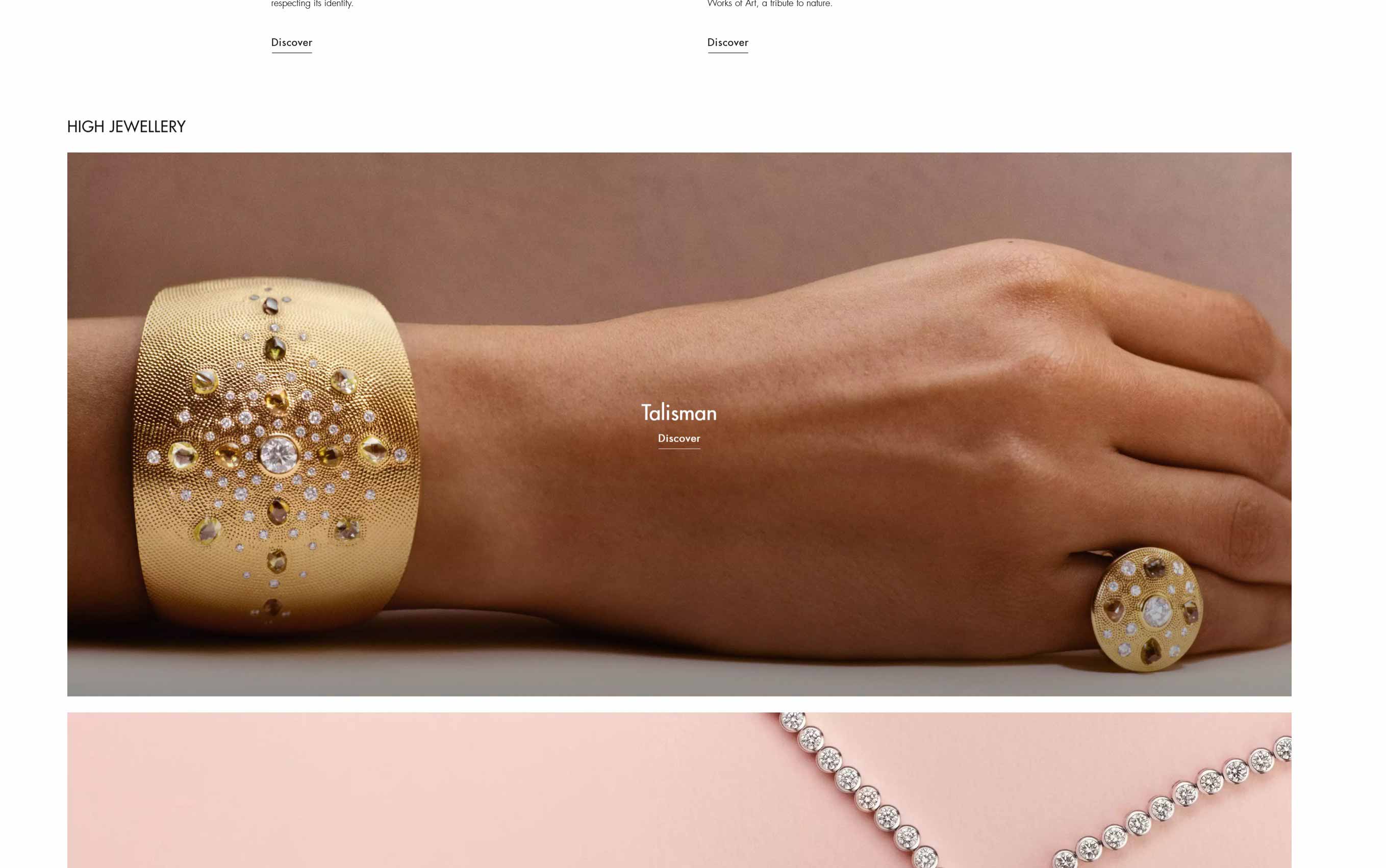
- Talisman
- DeBeers RVL
- Portraits of Nature
- High Jewellery
- Vibrations by DeBeers
- Signature by DeBeers
- World of DeBeers
- DeBeers Riverborn
- Annual Christmas Event Campaigns
- Annual Valentines Day Campaigns
- Homepage re-styling
- Category page re-styling
- Listing page re-styling
- Product page re-styling
- Customer Services page re-styling
- All editorial content pages re-styling